Solutions for retail, logistics, field service and embedded projects
Language: ENRegion: US / Global

CHOIN GLOBAL

Thermal printers for retail, logistics, POS, and embedded systems

Solutions

Start from the print workflow.

Use this page when buyers know their application but do not yet know which printer family or model fits the project.

Retail & POSWarehouse labelsField serviceEmbedded systems

Solutions should stay lightweight in the first version: route the buyer to product families and inquiry, not duplicate product listing pages.

1

Print task

Receipt, label, barcode, ticket, kiosk slip or field label.

2

Use environment

Countertop, mobile, warehouse, kiosk, terminal or embedded system.

3

Product family

Portable, desktop, embedded, self-service or touch-screen multifunction printers.

Application paths

Each card describes a buying context, common needs, and the product families that should be explored next.

Printer workflow preview
Retail & POS

Checkout, shelf label and receipt workflows

Receipt and label output at counter or store floor.
Portable or desktop printer selection.
Model review for POS or retail application.
PortableDesktop
Printer workflow preview
Warehouse & Logistics

Barcode, inventory and mobile label tasks

Temporary labels, bin labels and barcode confirmation.
Mobile work, battery support or fixed station use.
Media and interface confirmation before sample.
LabelBarcode
Printer workflow preview
Field Service

Portable printing for route and service teams

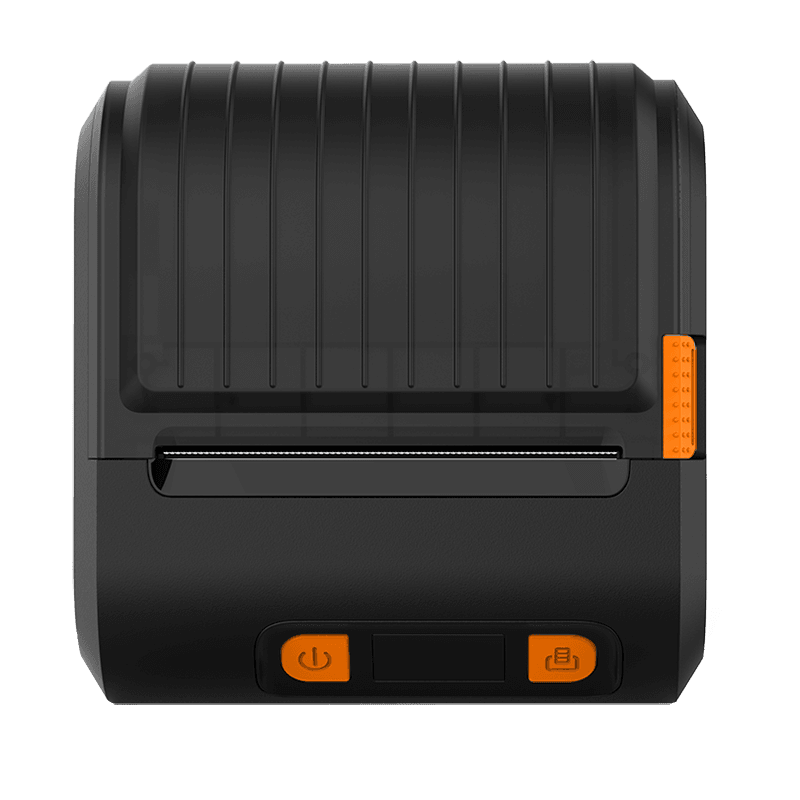
Compact printers for mobile service scenarios.
Simple media loading and quick on-site output.
Connectivity and software environment review.
BatteryBluetooth
Printer workflow preview
Embedded & Kiosk

Printer module selection for project systems

Kiosk, terminal, queue machine or device integration.
Drawing, interface, command and SDK review.
Engineering discussion before project sample.
SDKDrawing

From solution to product family

This bridge helps buyers move from use case to product family without requiring model knowledge first.

Not sure which product family fits?

Send the application, print media, interface, quantity and target region. CHOIN can help narrow the product family before model selection. Application Media size Interface Quantity